If you're running a business, one thing is for sure: at some point, you'll need an online form. Whether it's collecting leads, getting customer feedback, taking job applications, or accepting payments, forms are a must-have.
When that need arises, having the right form builder tool is crucial. But not all form tools are created equal. The ideal one for your business hinges on factors like ease of use, customization options, and integrations, and, just as importantly, the cost.
That's why we tested the best free form builders for 2026. Some include far more than others before you have to pay, and the "best" one genuinely depends on the job in front of you, so use this guide to find the right free form builder for you.
What We Reviewed
- The free plan: What do you actually get for free? We're looking at actual free plans, not trials.
- User-friendliness: Is it easy to use, flexible, and accessible without coding skills?
- Feature-richness: Which features and third-party integrations are free?
- Custom branding options: Is it possible to make your forms match your brand?
- Free customer support: How responsive is the support team?
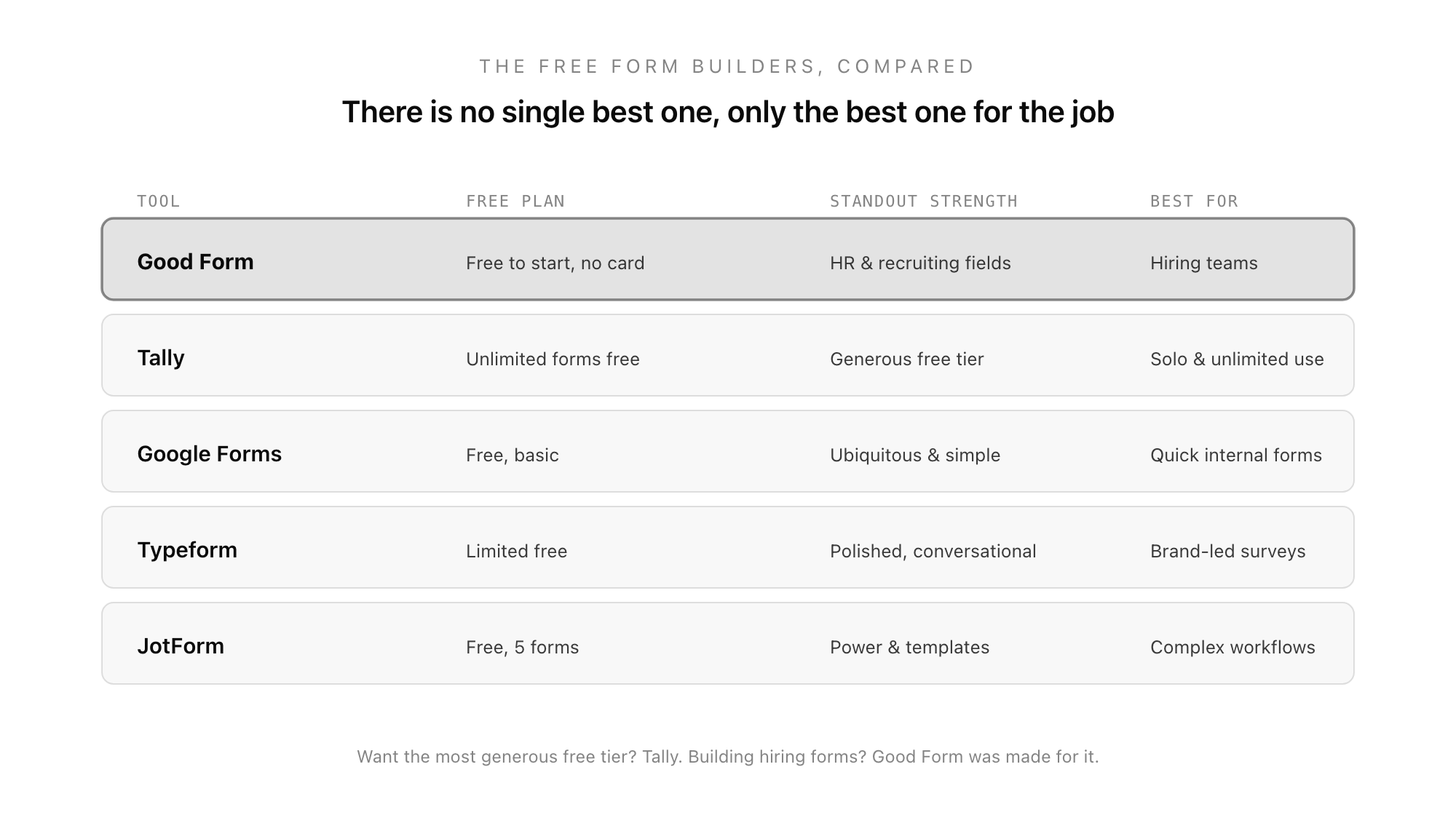
Our top picks for free form builders:
- Good Form - Best for teams who need response management and collaboration
- Tally - Most generous free plan with unlimited forms and responses
- Google Forms - Best for simple surveys with Google ecosystem integration
- Typeform - Best for conversational, one-question-at-a-time forms
- JotForm - Most templates and third-party integrations
Quick Comparison
| Form Builder | Forms | Responses/mo | Questions | Best For |
|---|---|---|---|---|
| Good Form | 1 | 50 | Unlimited | Team collaboration |
| Tally | Unlimited | Unlimited | Unlimited | General purpose |
| Google Forms | Unlimited | Unlimited | Unlimited | Simple surveys |
| Typeform | Unlimited | 10 | 10/form | Conversational forms |
| JotForm | 5 | 100 | 100/form | Templates |
| Fillout | Unlimited | 1,000 | Unlimited | Drag-and-drop |
1. Good Form
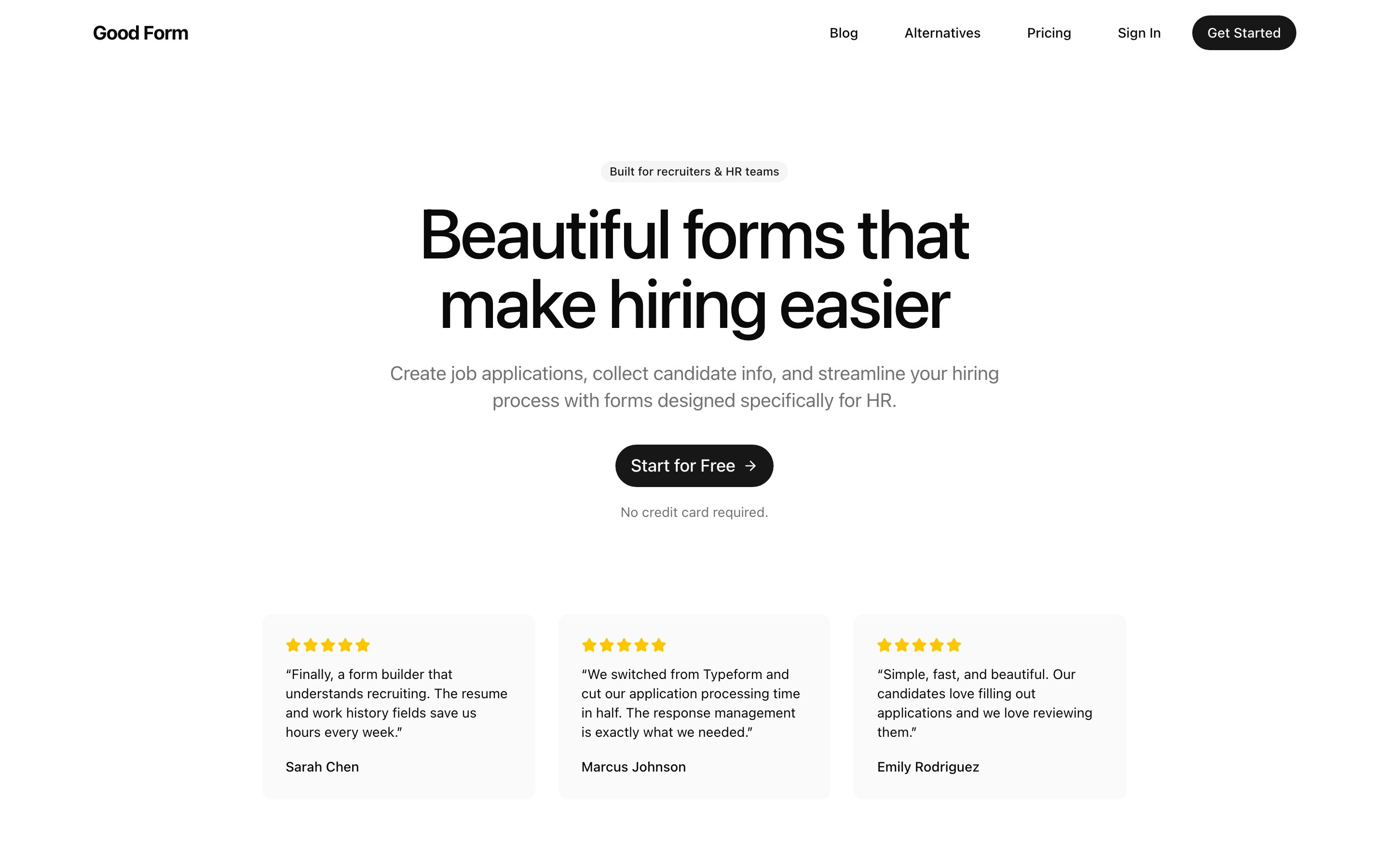
Good Form is a modern form builder designed for teams. While the free plan has limits, it includes powerful features like file uploads and custom branding that competitors charge for.
Free Plan Highlights
- File uploads included - Most competitors require a paid plan
- Custom branding - Colors and basic customization on free
- Response management - Organize and review submissions
- Team-ready - Built for collaboration from day one
User-Friendliness
Good Form uses a clean drag-and-drop builder that's intuitive for beginners. The live preview shows exactly how your form will look as you build it.
Best For
Teams and businesses who need to collect files, manage responses, and collaborate. If you outgrow the free plan, the Pro plan ($39/mo) offers excellent value with 1,000 responses and full branding.
2. Tally
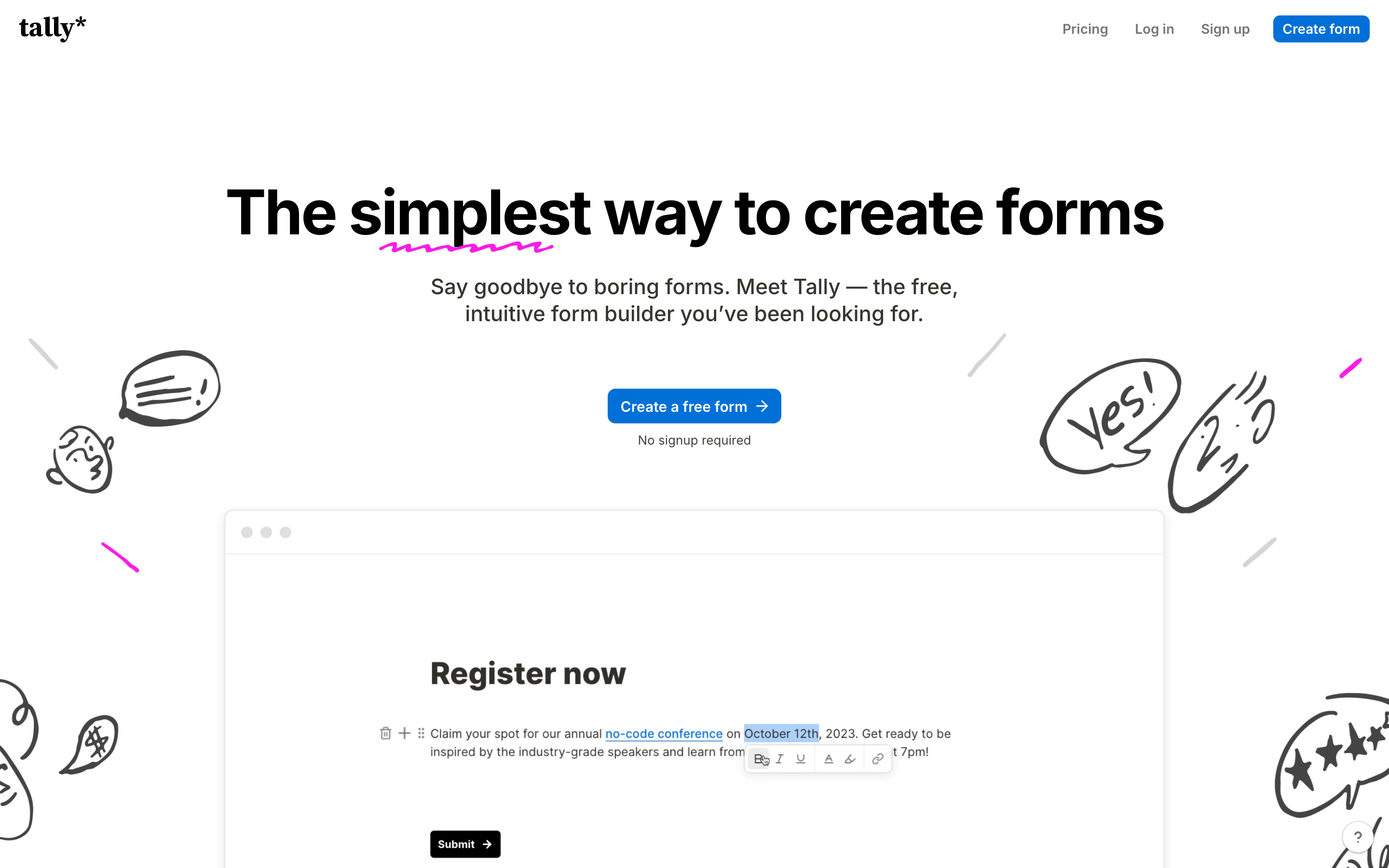
Tally is a Notion-like form builder with an incredibly generous free plan. If you need unlimited forms and responses without paying, Tally is hard to beat.
Free Plan Highlights
- Truly unlimited - No caps on forms or responses
- Conditional logic - Branch forms based on answers
- Payment collection - Accept Stripe payments (5% commission on free)
- Integrations - Zapier, Notion, Airtable, and more
User-Friendliness
Tally works like a text document. Just start typing and use shortcuts to insert form elements. It's different from traditional drag-and-drop builders but very quick once you learn it.
Best For
Individuals and small teams who need lots of forms without budget constraints. The free plan is genuinely generous.
3. Google Forms
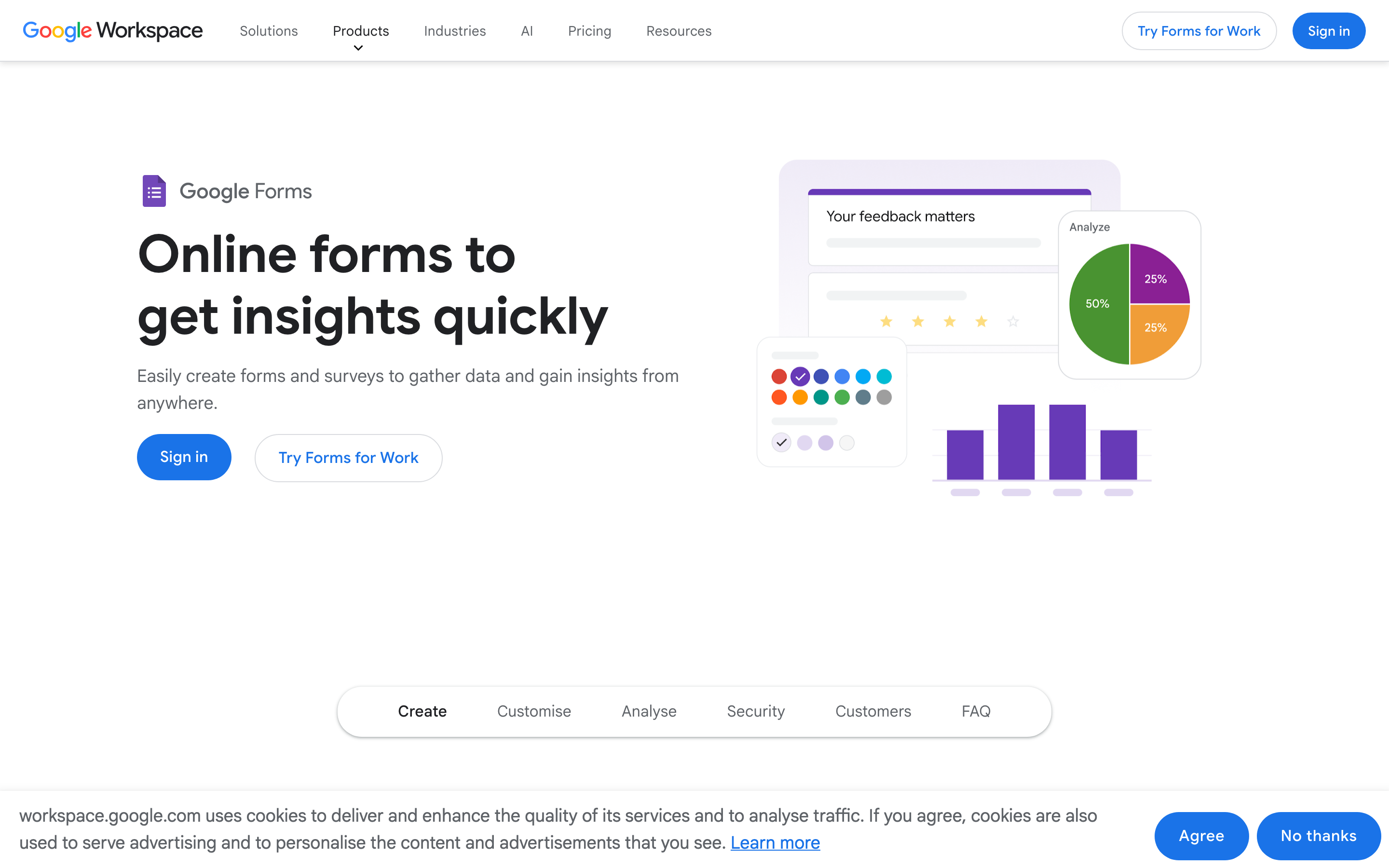
If you're already in the Google ecosystem, Google Forms is the obvious free choice. It's simple, reliable, and integrates seamlessly with Google Sheets.
Free Plan Highlights
- Completely free - No paid tiers for core features
- Google Sheets integration - Automatic response sync
- Real-time collaboration - Multiple editors
- Basic conditional logic - Branch based on answers
User-Friendliness
Google Forms is one of the simplest form builders available. If you've used Google Docs, you'll feel right at home.
Limitations
- Very limited design customization
- No custom branding (always looks like Google)
- No payment collection
- No advanced features like calculations or hidden fields
Best For
Simple internal surveys, quick feedback forms, and anyone already using Google Workspace.
4. Typeform

Typeform popularized the one-question-at-a-time format. If you want engaging, conversational forms, Typeform delivers a polished experience.
Free Plan Highlights
- Conversational format - One question per page with smooth transitions
- Integrations - Zapier, Airtable, Google Sheets, HubSpot
- Logic jumps - Branch forms based on answers
- Templates - Good selection to get started
Limitations
- Only 10 responses/month - Very restrictive for real use
- 10 questions per form - Limits what you can build
- No file uploads - Requires $25/mo plan
- Typeform branding - Requires $59/mo to remove
Best For
Quick surveys or prototypes where you need fewer than 10 responses. The free plan is too limited for production use.
5. JotForm
JotForm has the most templates and integrations of any form builder. If you need a specific form type, JotForm probably has a template for it.
Free Plan Highlights
- Huge template library - Thousands of form templates
- 200+ integrations - More than any competitor
- Payment collection - Stripe, PayPal, Square
- Conditional logic - Advanced branching
Limitations
- Only 5 forms per month
- 100 responses cap
- 100MB storage (fills up fast with file uploads)
- Can't remove JotForm branding
Best For
Users who need a specific template or integration that other builders don't offer. The template library is genuinely impressive.
6. Fillout
Fillout is a modern drag-and-drop builder with a generous 1,000 responses on the free plan. It's a good middle ground between simplicity and features.
Free Plan Highlights
- 1,000 responses - Most generous response limit
- 40+ field types - Wide variety of inputs
- Calculations - Math and conditional logic
- Integrations - Airtable, Google Sheets, HubSpot
Limitations
- No CAPTCHA (spam protection requires paid plan)
- No signature field
- Can't remove Fillout branding
- Basic design customization
Best For
Users who need more responses on a free plan but don't need advanced branding or spam protection.
Comparison: What Really Matters
If you need the most free responses:
- Tally - Unlimited
- Fillout - 1,000/month
- Google Forms - Unlimited (but limited features)
If you need file uploads for free:
- Good Form - Included on free plan
- Tally - 10MB limit per file
- Google Forms - Uses Drive storage
If you need custom branding:
- Good Form - Colors and logo on Pro ($39/mo)
- Tally - Requires Pro ($29/mo)
- Typeform - Requires Plus ($59/mo)
If you need team collaboration:
- Good Form - Built for teams
- Google Forms - Real-time collaboration
- JotForm - Team features on paid plans
Our Recommendation
For most users, we recommend starting with Good Form.
Here's why:
- File uploads are free - Most competitors charge for this essential feature
- Built for teams - Response management and collaboration from day one
- Fair pricing - When you upgrade, $39/mo gets you 1,000 responses and full branding
- Modern design - Forms that look professional without heavy customization
If you need unlimited free responses and don't mind basic features, Tally is excellent. If you're already in Google Workspace and need simple surveys, Google Forms works well.
Avoid Typeform's free plan unless you truly need fewer than 10 responses per month. The limits are too restrictive for real use.
Start Building Better Forms
Ready to try Good Form? Create your first form in minutes. No credit card required.