A free online form builder that actually looks good
Create forms, share a link, and collect responses in one place. No code, no template lock-in, and free to start.
Start for FreeNo credit card required.
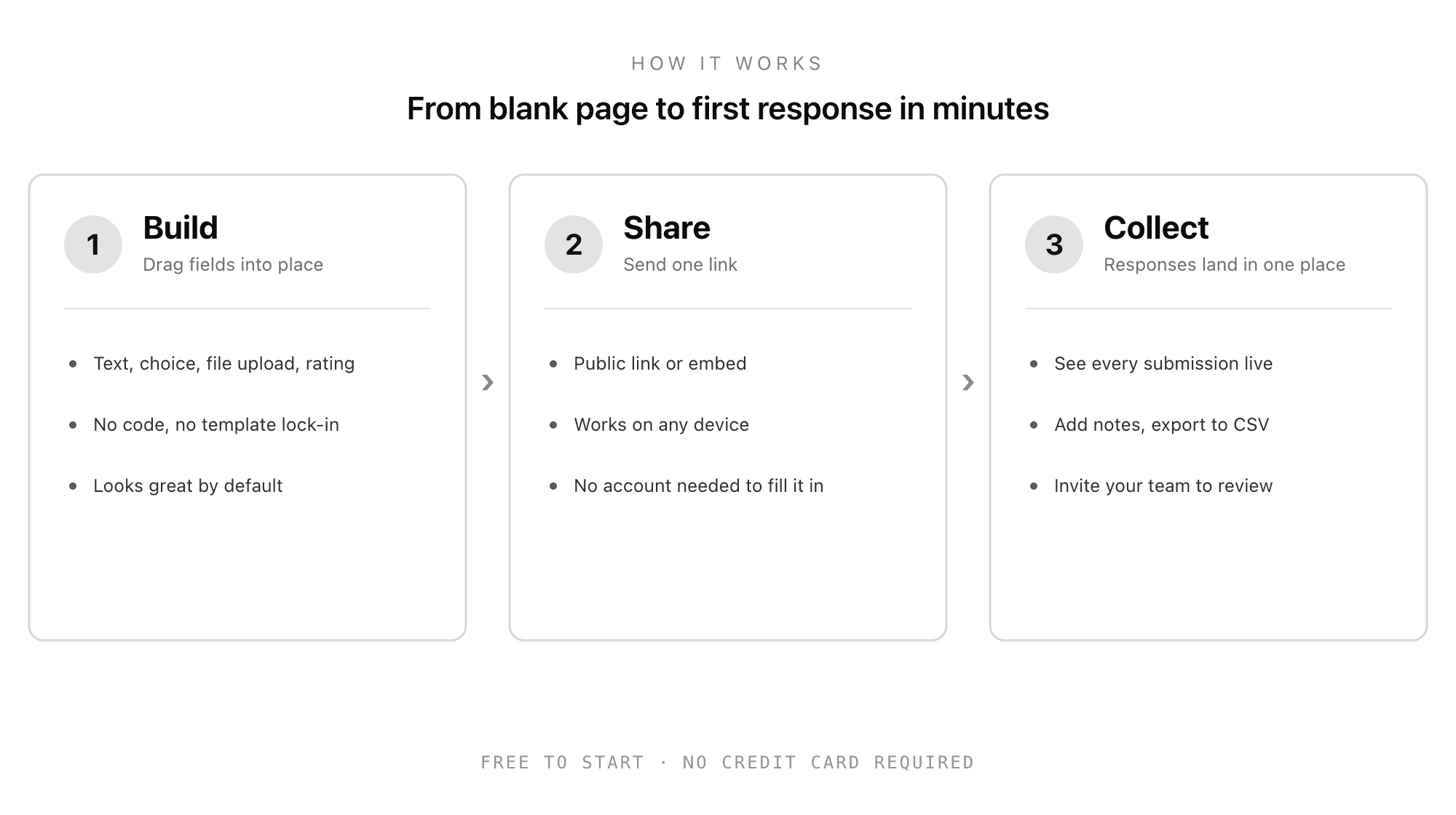
Everything you need to build a form for free
The field types, sharing, and review tools that turn a blank page into clean, organized responses.
Every field type
Short text, long text, multiple choice, dropdowns, ratings, dates, and more, all drag-and-drop.
File uploads
Collect resumes, documents, and images directly in your form, not over email.
Share anywhere
One public link or an embed. Respondents need no account and it works on any device.
Responses in one place
Every submission lands in a tidy dashboard. Add notes, score, and export to CSV.
Built for teams
Invite your team, share forms, and review responses together in real time.
Beautiful by default
Forms look polished out of the box, so people actually finish them.
We compared the free form builders, honestly
There is no single best free form builder, only the best one for the job in front of you. Here is how the popular options actually stack up.

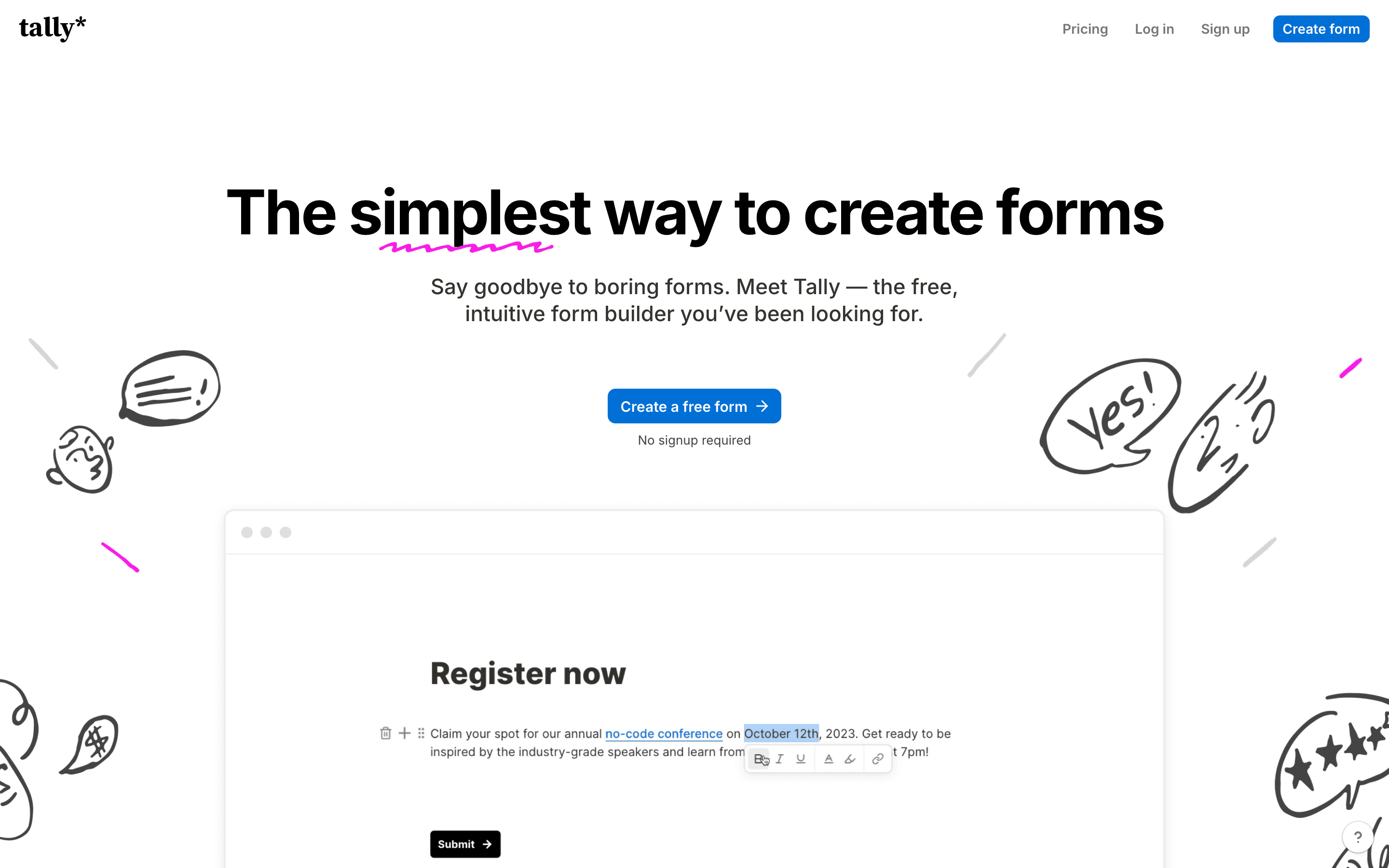
Tally
Good Form vs TallyThe most generous free tier, with unlimited forms and responses and no card. The pick if you just want unlimited free.
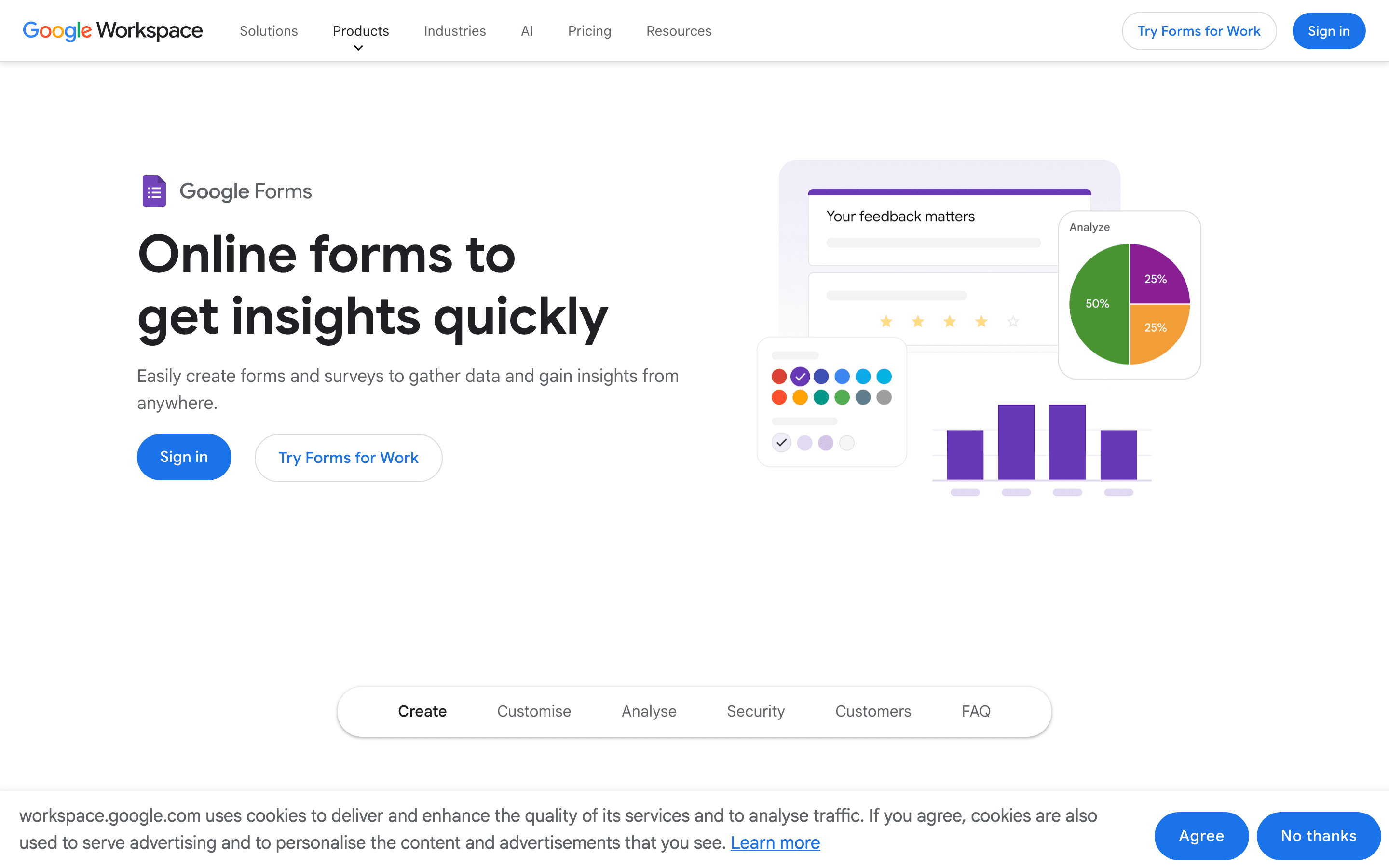
Google Forms
Good Form vs Google FormsFree and everywhere, but plain. Fine for a quick internal poll, limited for anything candidate-facing.
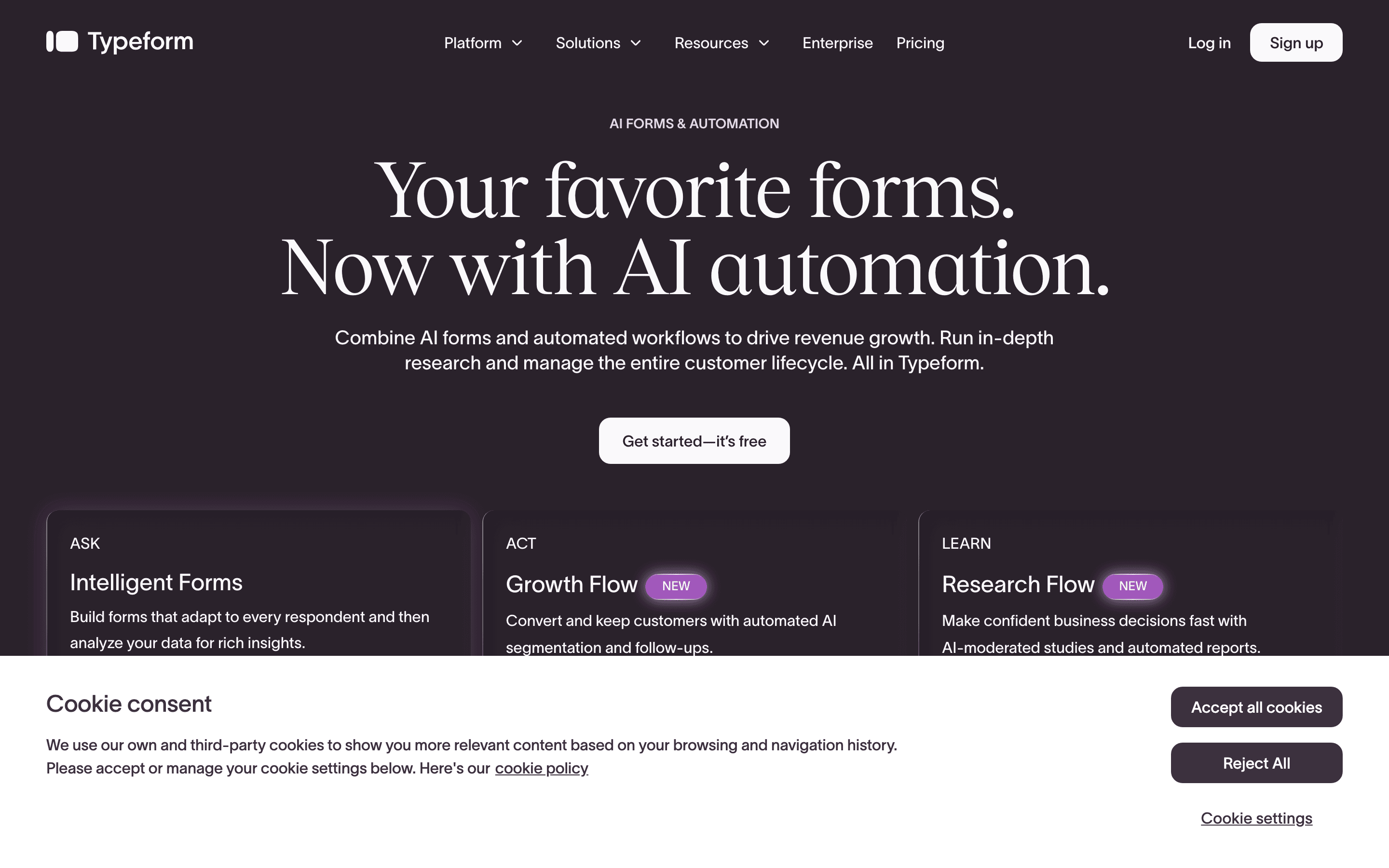
Typeform
Good Form vs TypeformPolished and conversational, but the free plan is tightly capped on responses.
JotForm
Good Form vs JotFormPowerful and template-heavy, with a learning curve to match. Free plan allows a handful of forms.
Where Good Form is the clear pick
If you are collecting applications, candidate information, or interview feedback, Good Form is built for exactly that. Resume uploads, work-history and education fields, and response scoring come standard, the things a general form builder makes you bolt on. Start free and see for yourself.
Start for FreeNo credit card required.
Free online form builder FAQ
Is Good Form really free?
Yes. You can create a form and start collecting responses for free, with no credit card required. The free plan covers a form and 50 responses a month; when you need unlimited forms, more responses, custom branding, or your team, you can upgrade.
What is the best free online form builder?
It depends on the job. For the most generous unlimited-free tier, Tally is hard to beat. For quick internal forms, Google Forms works. For hiring and recruiting forms specifically (applications, candidate intake, interview feedback), Good Form is purpose-built, with resume uploads and work-history fields no general builder has.
Do people need an account to fill in my form?
No. Anyone with the link can complete your form on any device without signing up. You only need an account to build and manage forms.
Can I use it without coding?
Yes. Good Form is fully drag-and-drop. You add fields, arrange them, share a link, and responses land in one place. No code anywhere.