Google Forms is the default free form builder for a reason: it costs nothing, it is tied to a Google account almost everyone already has, and it is genuinely simple. For a quick poll or an internal sign-up sheet, it is hard to argue with. But the moment you want a form that looks like your brand, collects files cleanly, or feels less like a 2010 spreadsheet add-on, its limits show up fast. This guide lays out the real advantages and disadvantages of Google Forms, then compares five free Google Forms alternatives so you can pick the right one for the job.
The short version:
- Google Forms is great at being free and simple, and at piping responses straight into Google Sheets. For quick internal forms, it is fine.
- Its disadvantages are design, branding, and depth: forms always look like Google, customization is thin, and there is no real file-collection, scoring, or workflow layer.
- The best alternative depends on the job. For unlimited free forms, Tally. For polished surveys, Typeform. For hiring and recruiting forms, Good Form.
- If you specifically want to move off Google Forms, see our head-to-head: Good Form vs Google Forms.
Google Forms Advantages
Let's be fair to Google Forms first, because for some uses it is the right answer.
- It is completely free. No paid tiers gate the core features, no response caps, no trial clock. For an unfunded project or a one-off form, that matters.
- Everyone already has it. It rides on the Google account most people and organizations use, so there is nothing to sign up for and no new tool to learn.
- Google Sheets integration is seamless. Responses flow straight into a spreadsheet in real time, which is genuinely useful when you want to slice the data yourself.
- It is simple. If you have used Google Docs, you can build a Google Form in minutes. The learning curve is essentially zero.
- Real-time collaboration. Multiple people can edit the same form, the same way they would a shared doc.
For a quick internal survey, an event RSVP, or a class sign-up, those advantages are often enough, and reaching for anything more powerful would be overkill.
Google Forms Disadvantages
The reason "google forms alternatives" is searched so often is that the same limits trip people up again and again.
- Everything looks like Google. Customization is limited to a header image and a color, so your form always reads as a generic Google Form rather than something that belongs to your brand. There is no true custom branding.
- File collection is awkward. Uploads require respondents to be signed in to a Google account and they consume the form owner's Drive storage, which is a poor fit for collecting resumes or documents from outside people.
- No depth beyond the basics. There is no response scoring, no proper review workflow, no calculations to speak of, and conditional logic is rudimentary.
- It feels dated. The one-page, all-questions-at-once layout is functional but uninspiring, and completion rates on long Google Forms suffer for it.
- Weak for anything client- or candidate-facing. The moment a form represents your business to an outsider, "it looks like a Google Form" becomes a real downside.
None of these make Google Forms bad. They make it a tool with a ceiling, and a lot of people hit that ceiling.
The 5 Best Google Forms Alternatives
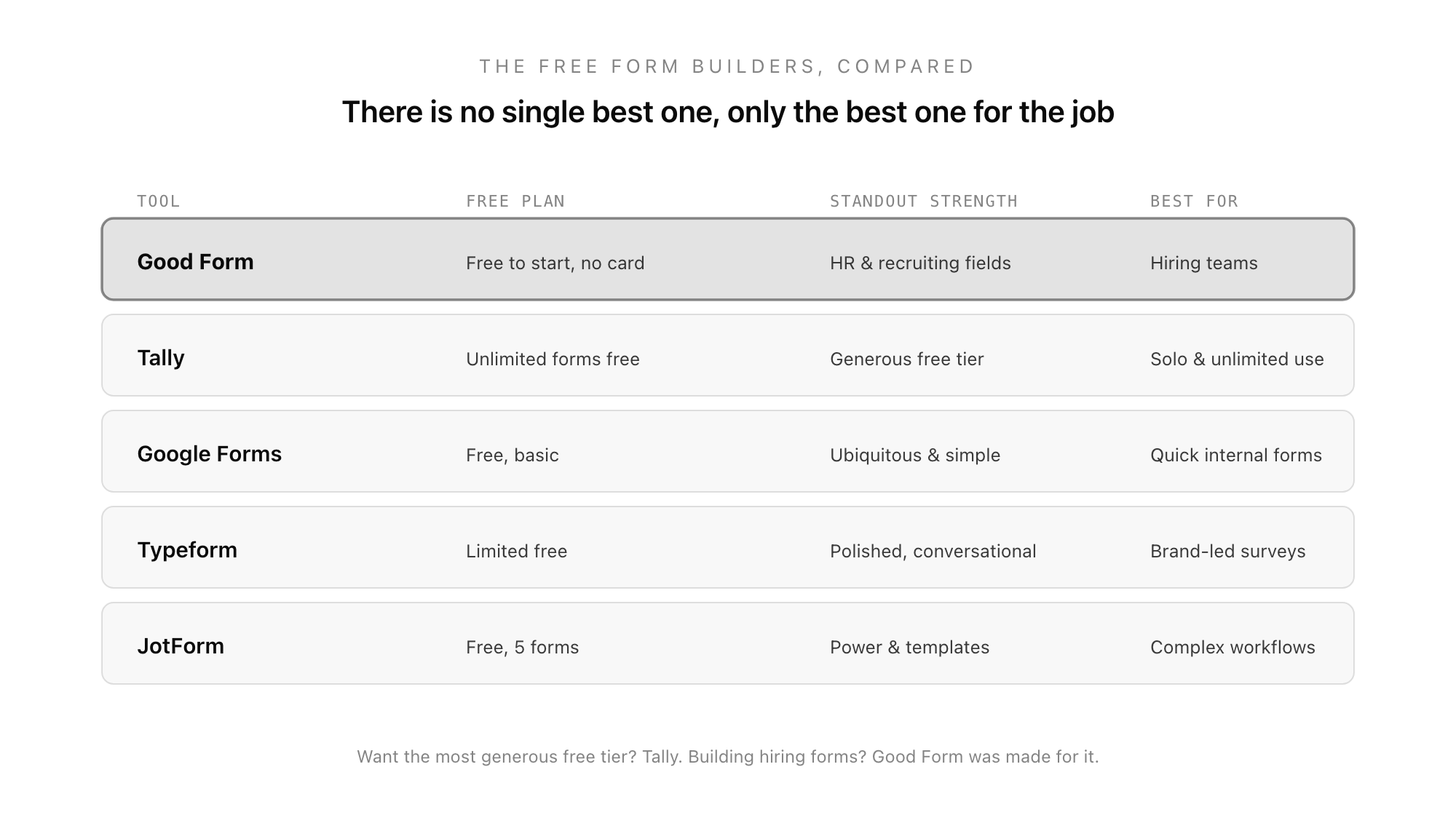
Here is how the leading free alternatives compare, and which job each one wins.
1. Tally: for the most generous free tier
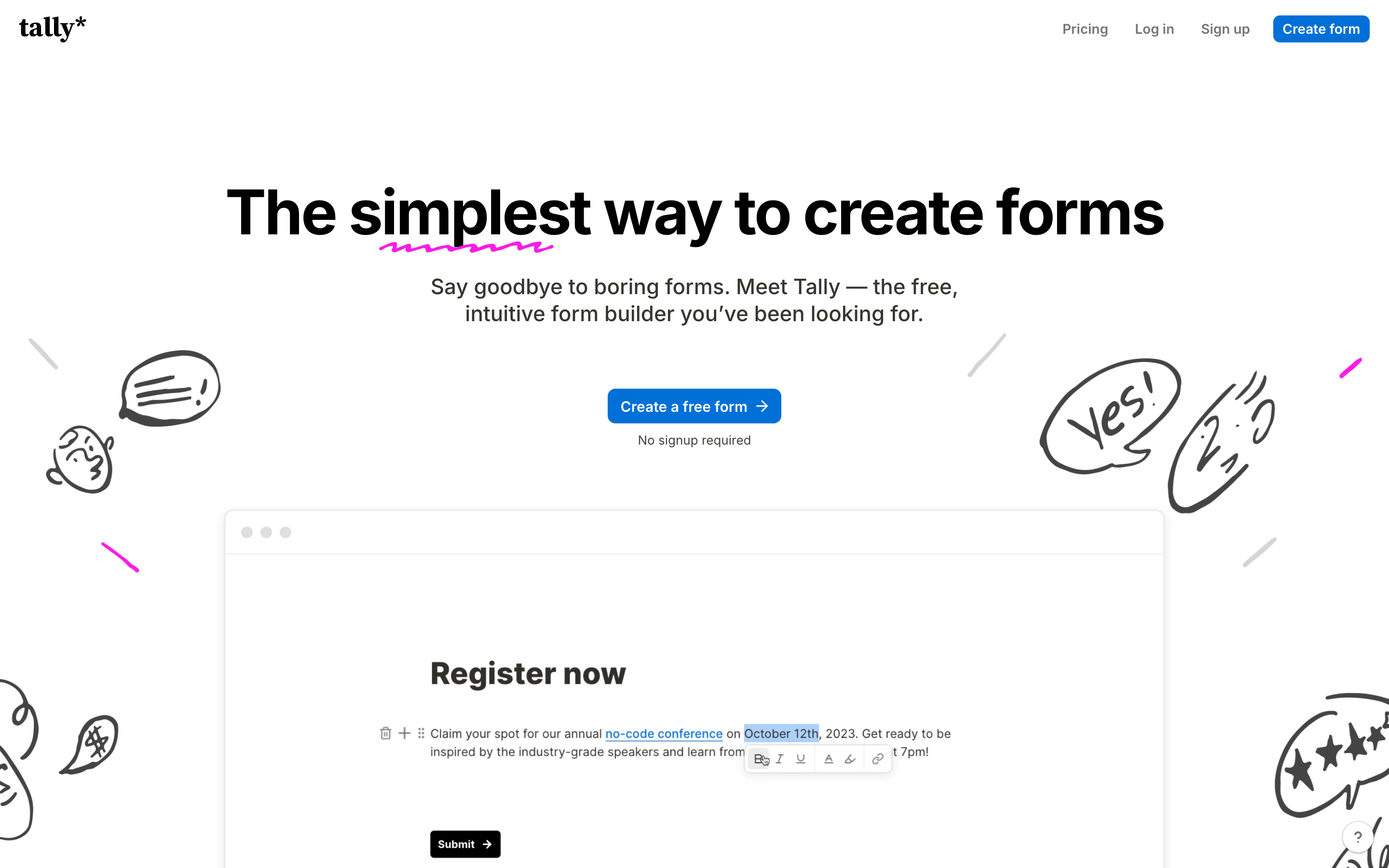
If your main frustration with Google Forms is not the look but you simply want a more modern, more capable builder that is still free, Tally is the standout. Its free plan is unusually generous: unlimited forms, unlimited responses, conditional logic, and even payment collection, with no card required. It works like a text document, which is fast once you adjust. For a solo user or small team who wants free and flexible, Tally is the easiest Google Forms upgrade.
2. Typeform: for polished, conversational forms
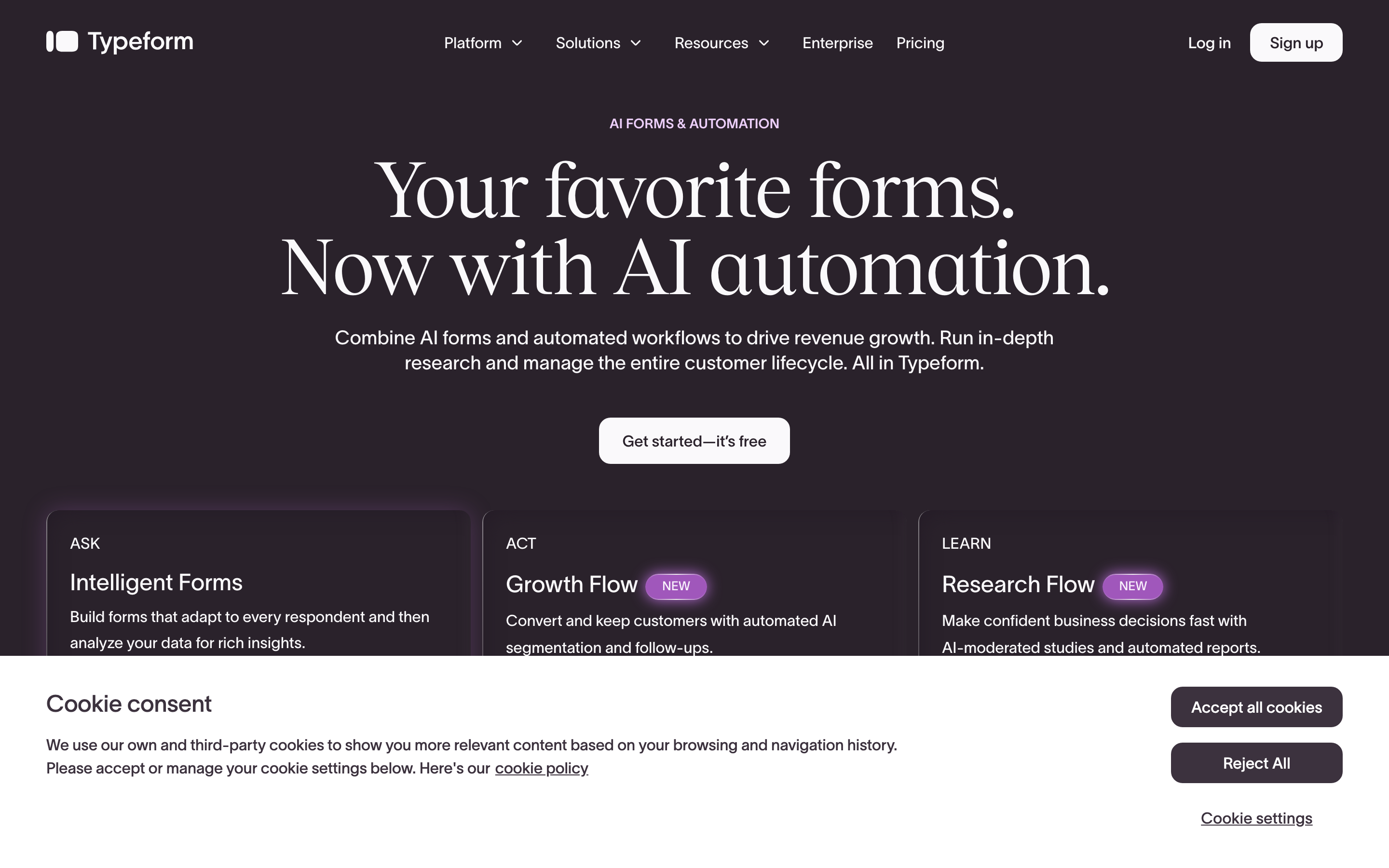
Typeform fixes the "it looks dated" complaint emphatically, with smooth, one-question-at-a-time forms that feel modern and on-brand. The catch is the free plan, which caps you at around ten responses a month, so it suits prototypes and low-volume surveys rather than production use. If presentation is everything and volume is low, it is a strong pick.
3. JotForm: for templates and integrations
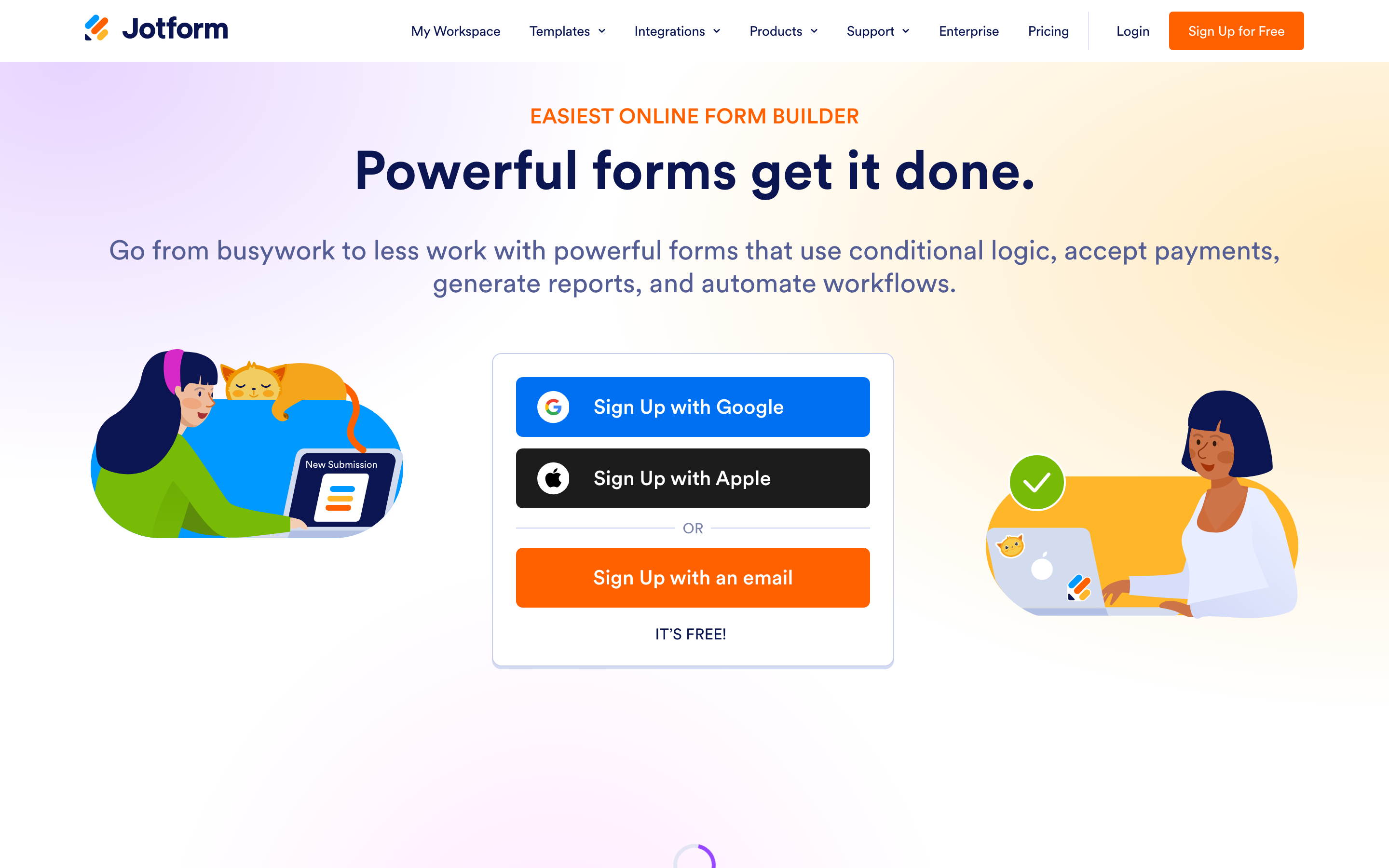
JotForm answers the "no depth" complaint with thousands of templates and more integrations than any competitor, plus payment collection and advanced conditional logic. The free plan allows a handful of forms and a modest response cap, and the sheer number of options means a steeper learning curve. If you need a very specific form type or integration, JotForm probably has it.
4. Good Form: for hiring and recruiting forms
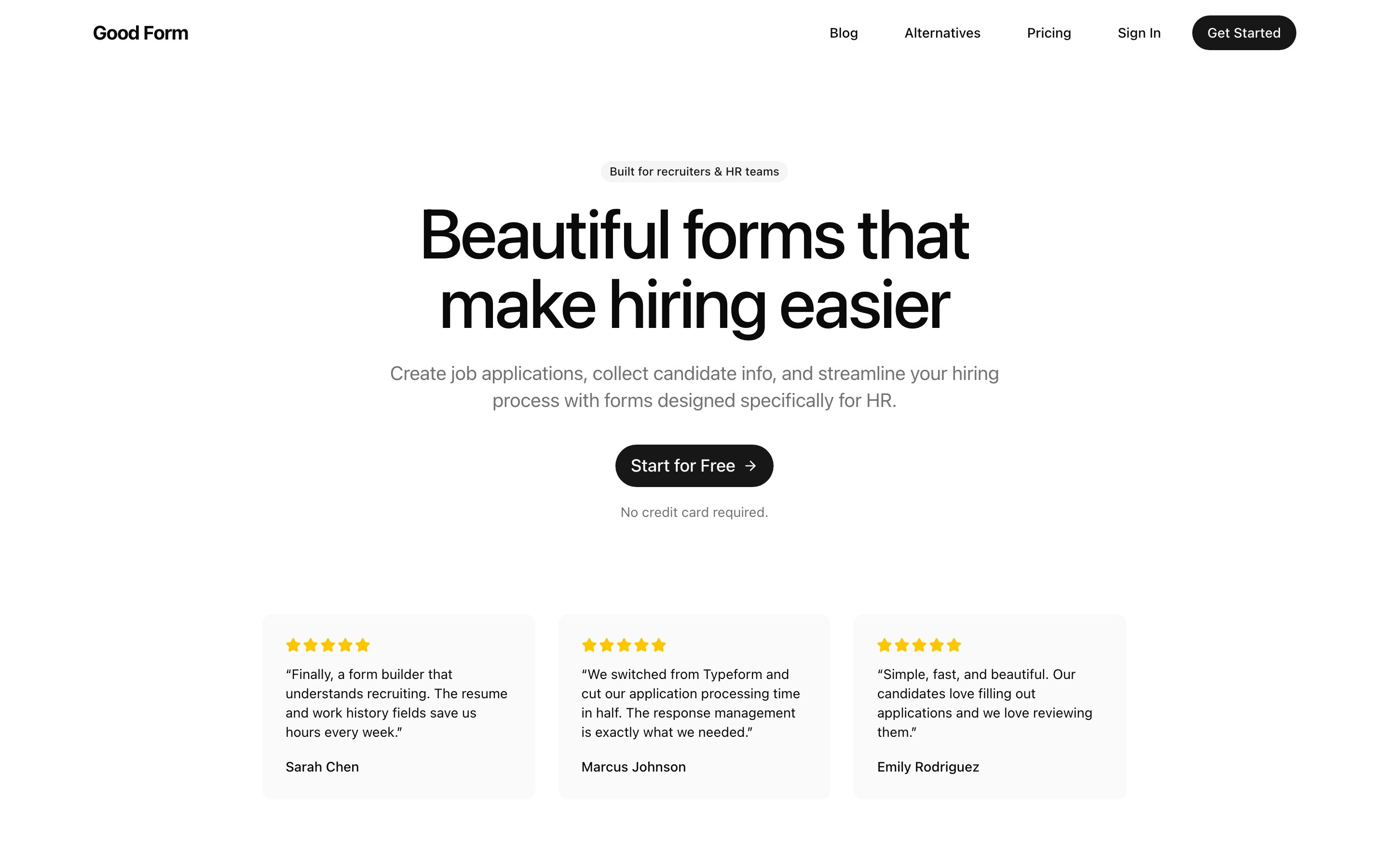
If the forms you build are job applications, candidate intake, or interview feedback, a general builder will always make you improvise. Good Form is purpose-built for this: resume and file uploads work cleanly for outside applicants, work-history and education fields are built in, and responses come with scoring and a review workflow so a hiring team can evaluate candidates together. It is free to start with no credit card, and it is the clear pick when the form is part of hiring.
5. Microsoft Forms: for the Microsoft 365 crowd
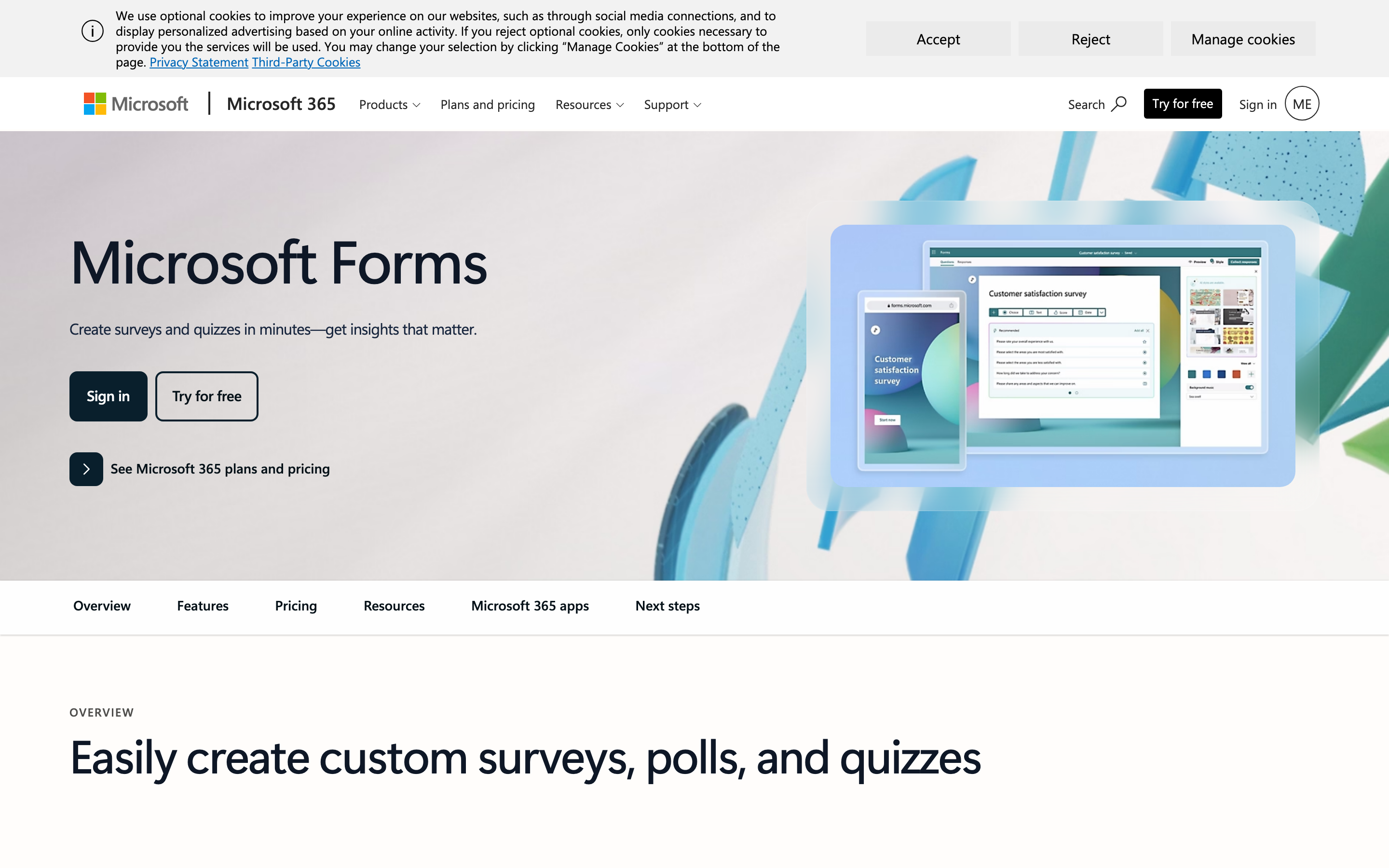
If your organization lives in Microsoft 365 rather than Google Workspace, Microsoft Forms is the mirror image of Google Forms: free, simple, tied to the account you already have, and piping results into Excel. It shares Google Forms' limits on branding and depth, but if you are a Microsoft shop, it is the natural free default.
Which Google Forms Alternative Should You Choose?
The honest answer is that it depends on what the form is for:
- You just want a better free builder: Tally.
- You want the most beautiful surveys and have low volume: Typeform.
- You need a specific template or integration: JotForm.
- You are in the Microsoft ecosystem: Microsoft Forms.
- The form is part of hiring: Good Form.
Google Forms remains a fine choice for quick, internal, throwaway forms. But if your form is doing real work, especially anything customer- or candidate-facing, one of these alternatives will serve you better.
Switching From Google Forms
If you have decided Google Forms has hit its ceiling for you, the move is straightforward. For a side-by-side of where Good Form pulls ahead (and where Google Forms still wins), see our Good Form vs Google Forms comparison. To see the full field of free options, read our roundup of the best free online form builders. Or, if you are building anything related to hiring, start a free Good Form and see the difference a purpose-built tool makes. No credit card required.